Palettes
hikari ships a palette picker for uosc. Open it with the palette button in the controls bar or Alt+p, then pick a palette; it is applied straight away. Each palette is a uosc colour scheme with the names you may know from your editor or terminal theme.
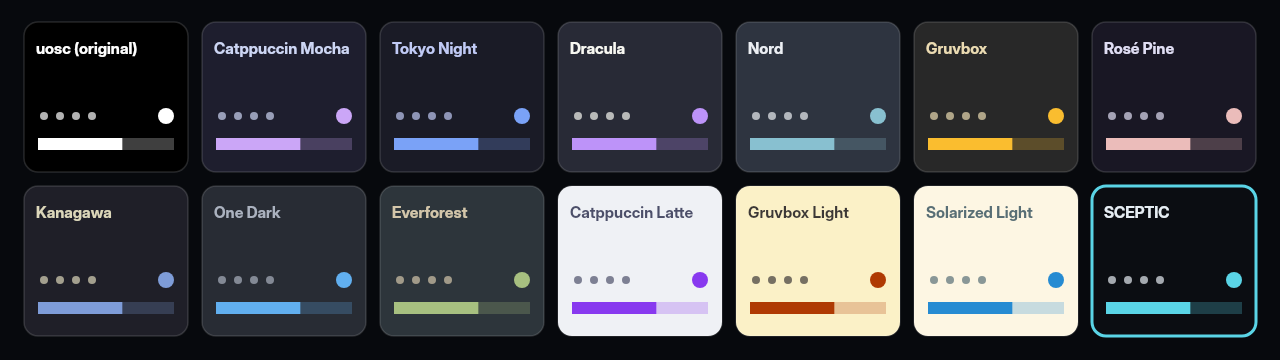
- Dark: uosc (original), Catppuccin Mocha, Tokyo Night, Dracula, Nord, Gruvbox, Rosé Pine, Kanagawa, One Dark, Everforest.
- Light: Catppuccin Latte, Gruvbox light, Solarized light.
- Custom: SCEPTIC, defined in
portable_config/scripts/hikari-palettes.lua.
A palette can also set transparency through an optional opacity table (uosc's opacity keys, values 0 to 1); palettes without it use uosc's default opacity.
hikari owns uosc's color and opacity options: values set in script-opts/uosc.conf are overridden by the active palette. Customise them by editing a palette instead.
The choice is saved to ~~/hikari-palette.conf (the mpv config folder, portable_config/ in a portable install), which mpv.conf includes on start-up. To bind another key, use script-binding hikari_palettes/open-menu in input.conf.