
hikari, a modern theme for the mpv video player
hikari is a skin for mpv in the sense people usually mean: a ready-made, good-looking setup, not a new on-screen controller written from scratch. It installs the official uosc and thumbfast, configures them, and adds a few small Lua scripts of its own on top. Everything it changes in your config folder is backed up first, and it can be uninstalled. A one-minute showreel is on the GitHub page.
Quick install
Open PowerShell (no administrator rights needed) and run:
irm https://github.com/SCEPTICG/hikari-mpv/releases/latest/download/hikari.ps1 | iex
It finds mpv, mpv.net and AnimeJaNai. Details: Install on Windows.
Open Terminal (no sudo) and run:
curl -fsSL https://github.com/SCEPTICG/hikari-mpv/releases/latest/download/hikari.sh | bash
Details: Install on macOS and Linux.
A menu opens: choose Install or update and the player. Run the same line again to update or to uninstall.
What you get
-
14 colour palettes
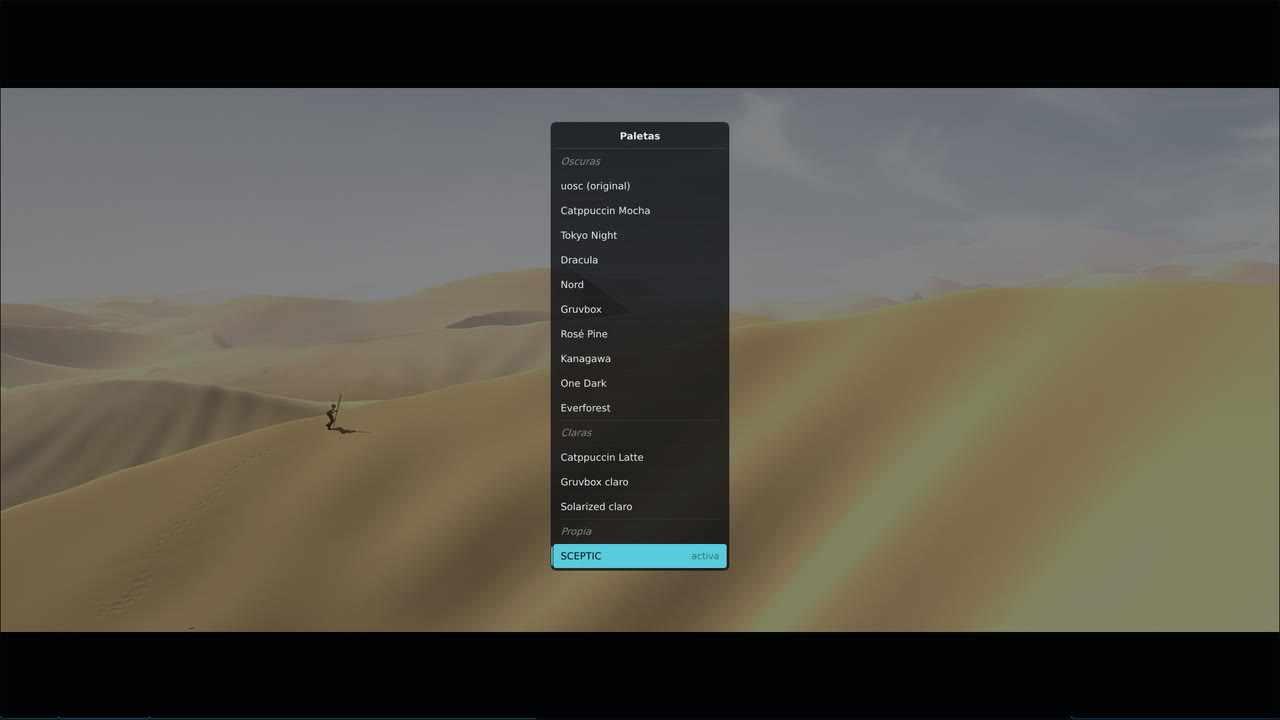
Catppuccin, Tokyo Night, Dracula, Nord, Gruvbox, Rosé Pine, Kanagawa, One Dark, Everforest, Solarized and hikari's own, SCEPTIC.
Alt+p, applied at once. -
Skip openings and endings
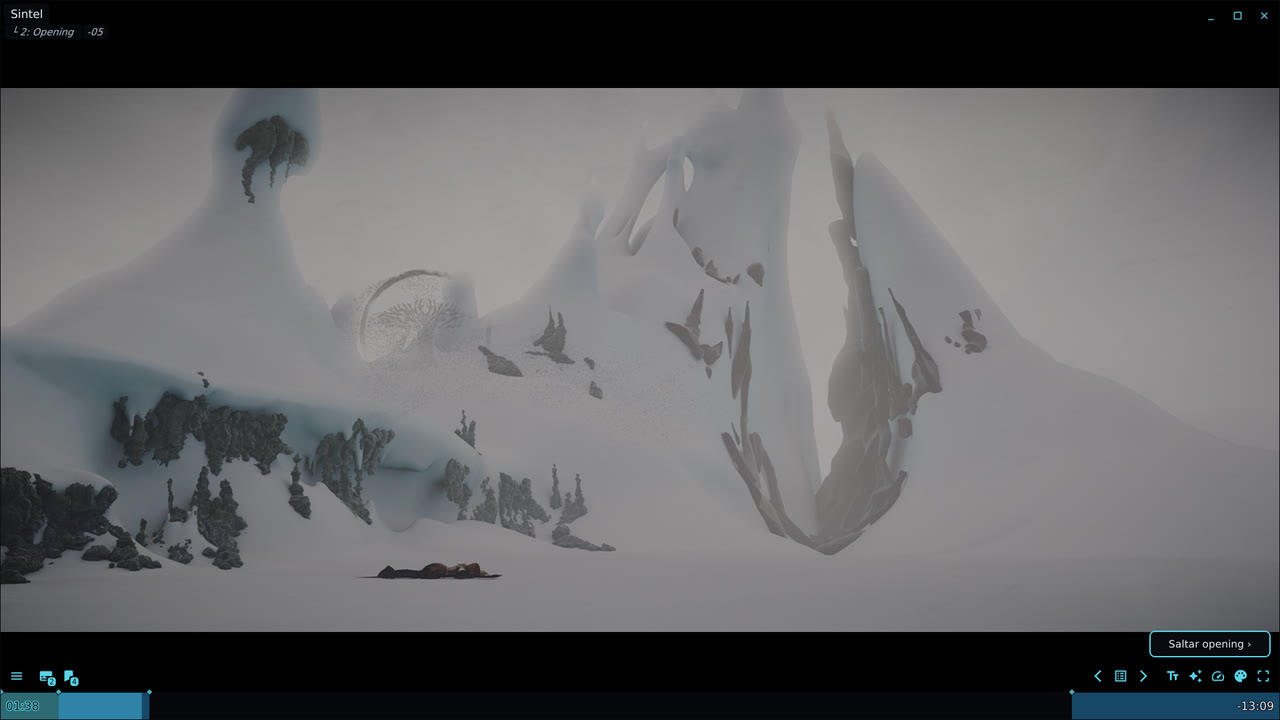
A Skip opening › button while a chapter looks like an opening, intro or ending. One click or
Alt+s. -
Timeline thumbnails
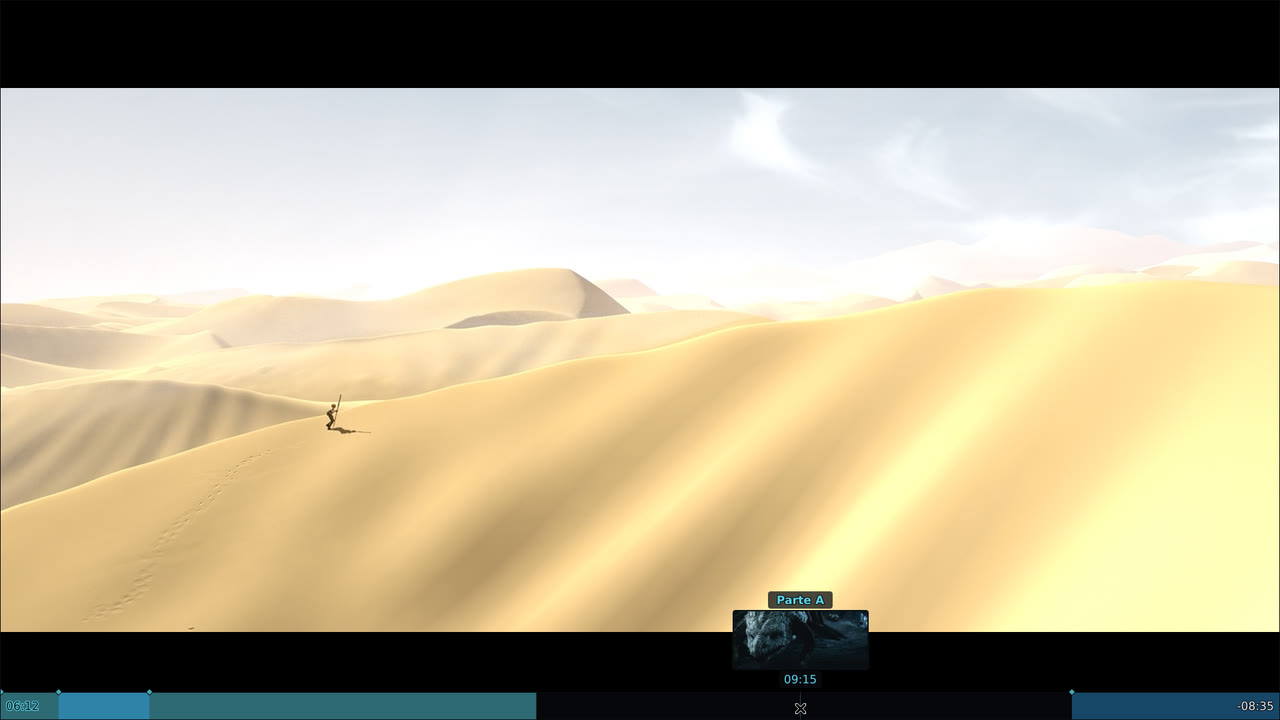
Previews on hover through thumbfast, on network streams too, with the chapter name.
-
Subtitle styles
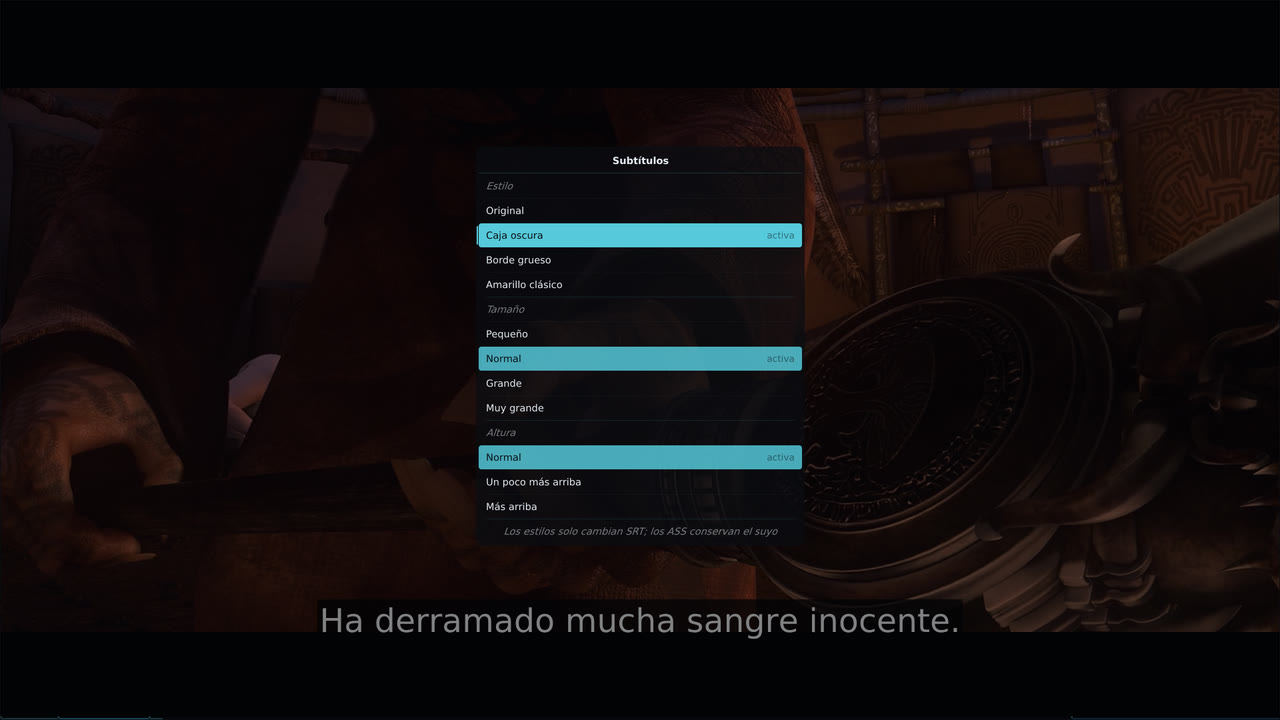
Dark box, Thick outline and Classic yellow, plus size and height.
Alt+t. -
Automatic Anime4K
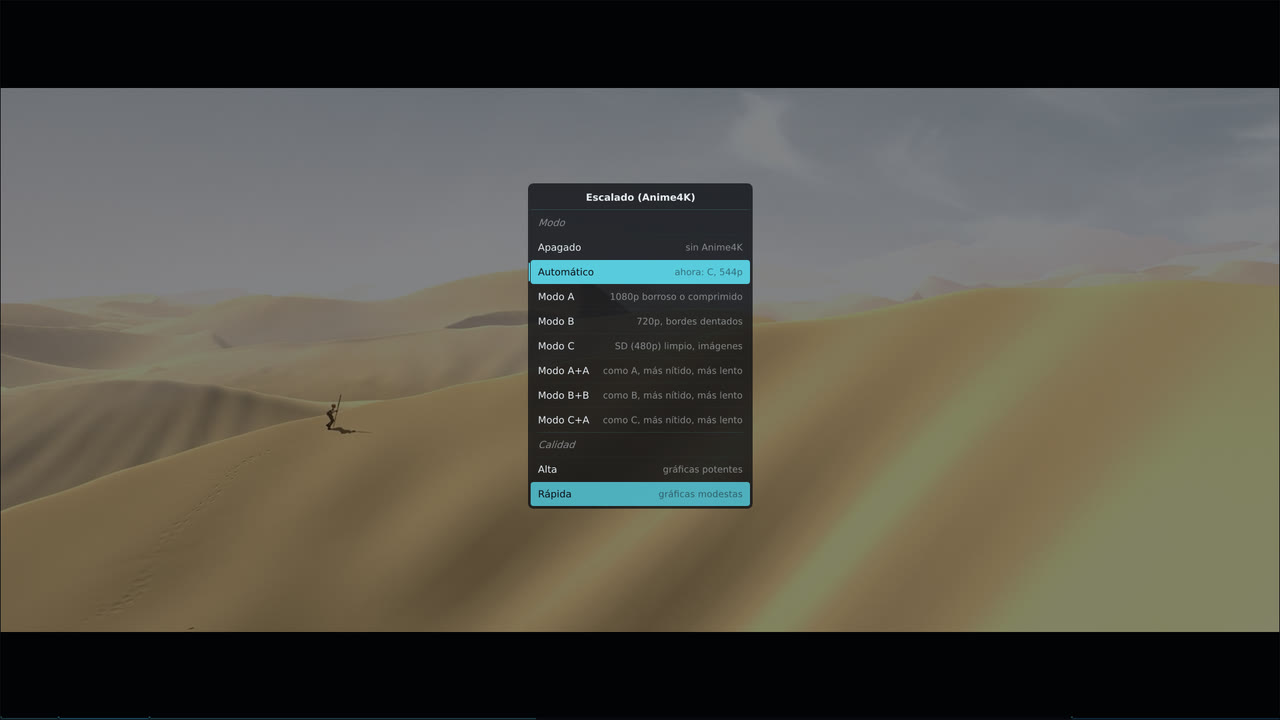
Anime4K's modes, and Automatic, which picks the mode from each video's resolution, with a quality for your graphics card.
-
A controls bar for single episodes
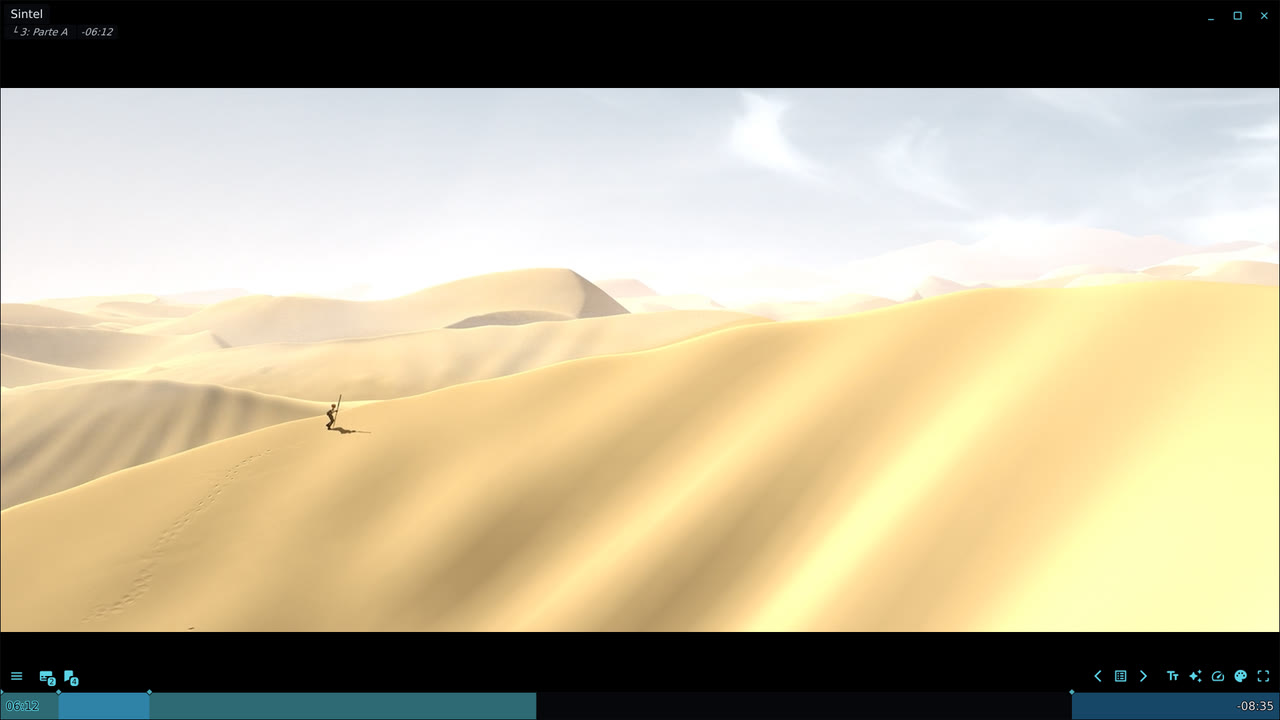
A filled timeline with the opening and ending marked, readable titles for local files and streams, a speed menu and an update notice.
hikari speaks your language: its menus, buttons and messages come in the 13 languages of uosc (English, Spanish, German, French, Italian, Polish, Portuguese, Romanian, Russian, Turkish, Ukrainian, Simplified Chinese and Chinese from Hong Kong). It follows your system, and Alt+l changes it. It also picks the audio and subtitle tracks: a dub in your language when the file has one, otherwise Japanese with subtitles in your language, telling Spain from Latin America and Brazil from Portugal even when both tracks carry the same tag (your own alang/slang lines still win: hikari then only chooses between tracks they cannot tell apart); see Languages. The installer itself speaks English or Spanish.
hikari and other mpv themes
- uosc is the on-screen controller hikari is built on. If you already use uosc, hikari is a configuration plus a few scripts on top of it, not a fork: your uosc stays the official one.
- ModernX and ModernZ are other replacements for mpv's built-in OSC. They clash with uosc, so the installer sets them aside (nothing is deleted) and puts them back on uninstall.
- mpv.net and AnimeJaNai are supported on Windows: hikari installs into the config folder each of them reads.
Screenshots of the real player on Linux, with hikari in Spanish, with Sintel © Blender Foundation (CC BY 3.0).